Twined requires SMS to authenticate your account. This multi-factor authentication enhances security and prevents abuse.
You must have a valid, United States phone number that's capable of receiving text messages. By using Twined, you consent to receive these messages. Message and data rates may apply, and you can opt-out by deleting your account.
What to expect
We will present a button titled Send Verification Code for consent to send a verification text message:
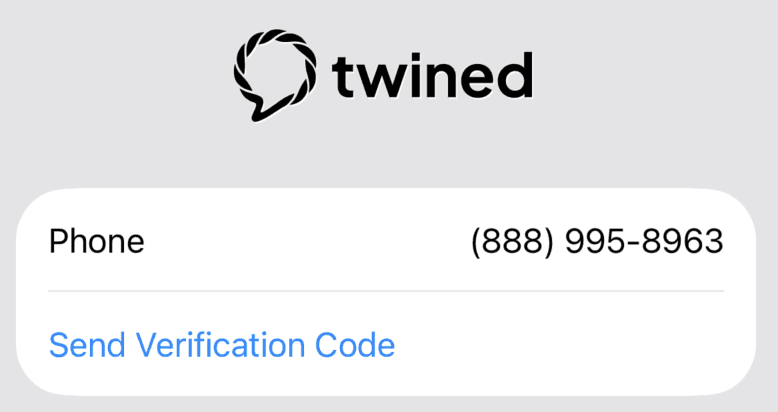
We always present your phone number with this button. When tapped, we send a text message with a verification code to enter:
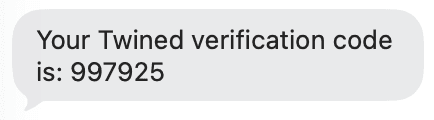
Codes expire within 10 minutes. If the code expires, you will need to request another code.
Do not share your code with anyone. Our support will never ask for your verification code. We do not accept text message replies, but we're happy to help by emailing support@twined.ai or messaging us within the app.
Missing codes
After attempting to send a text message with your verification code, we display a countdown timer. If you have not received your code by its completion, you can request another one:
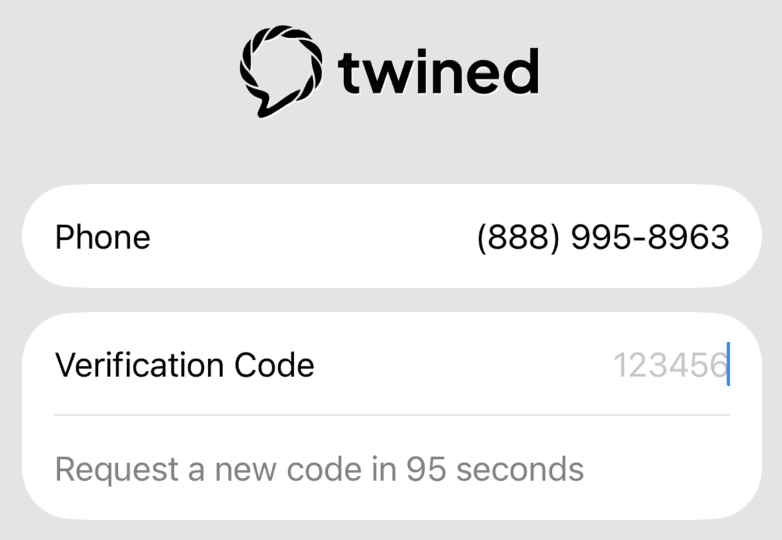
If you continue to face difficulties, email support@twined.ai for help.
How often
We only send text messages when you've requested them by selecting the Send Verification Code button. We present this button when you sign up, login, change your password and return to your account after a significant period of inactivity.
I didn't request a code
If you received a code and did not request it, please email support@twined.ai. This means someone tried to create an account with your phone number. We can ensure that no account is open, and you receive no future text messages from us.
Privacy
We use text messages for authentication and account notifications only. We do not engage in SMS marketing. Messaging is provided by our subprocessor Twilio. For more details, please see our Privacy Policy.